Chromebook
Play in Chrome on a Chromebook with keyboard and touchpad or a mouse. The game detects lighter hardware and adjusts its settings to keep the frame rate up.
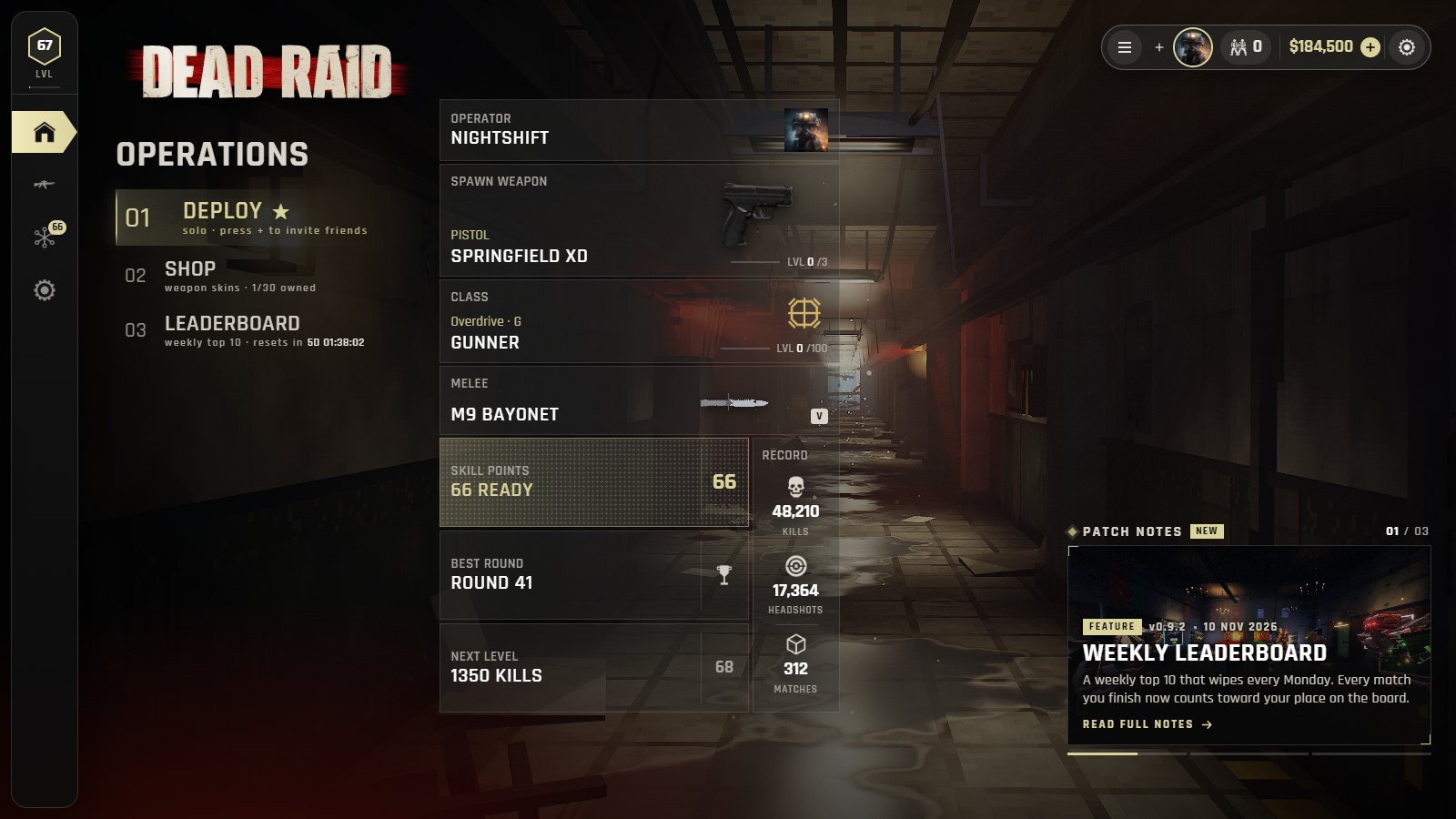
Most shooters need a gaming PC or a console. Dead Raid runs in the browser instead, so it plays on the devices people actually have: Chromebooks, iPads, iPhones, Android phones and ordinary laptops. Open deadraid.com, press Deploy, and you are in a co-op zombie raid.
Play in Chrome on a Chromebook with keyboard and touchpad or a mouse. The game detects lighter hardware and adjusts its settings to keep the frame rate up.
Play in Safari or Chrome. Touch controls appear automatically: a stick to move, drag to aim and buttons to fire, aim, reload and use.
Phones and tablets play in Chrome with the same touch controls.
Any modern browser on Windows, macOS or Linux, with mouse and keyboard or a controller.
On a touch screen the controls show up on their own, with aim assist to help on a small screen. With a keyboard you move with WASD, aim with the mouse, reload with R and use or buy with E. Game controllers work too. All the keys are on the how to play page.
All devices share the same servers, so a squad can mix a Chromebook, an iPad and a PC in the same match. See playing with friends.
Yes. It runs in Chrome on Chromebooks with no download, and adjusts its graphics for lighter hardware.
Yes. Open deadraid.com in Safari or Chrome; touch controls appear automatically.
Yes, in Chrome on Android phones and tablets, with touch controls.
No. The browser version is the full game. A Windows app is optional.
Yes. Game controllers are supported in the browser.
Not at the moment: the PlayStation browser does not support the 3D graphics the game needs. Play on a PC, laptop, Chromebook, phone or tablet instead.
Dead Raid is free, runs in your browser and needs no download. Fight the horde with up to three friends in PvE, or take on real players in PvP.
Play Dead Raid free